


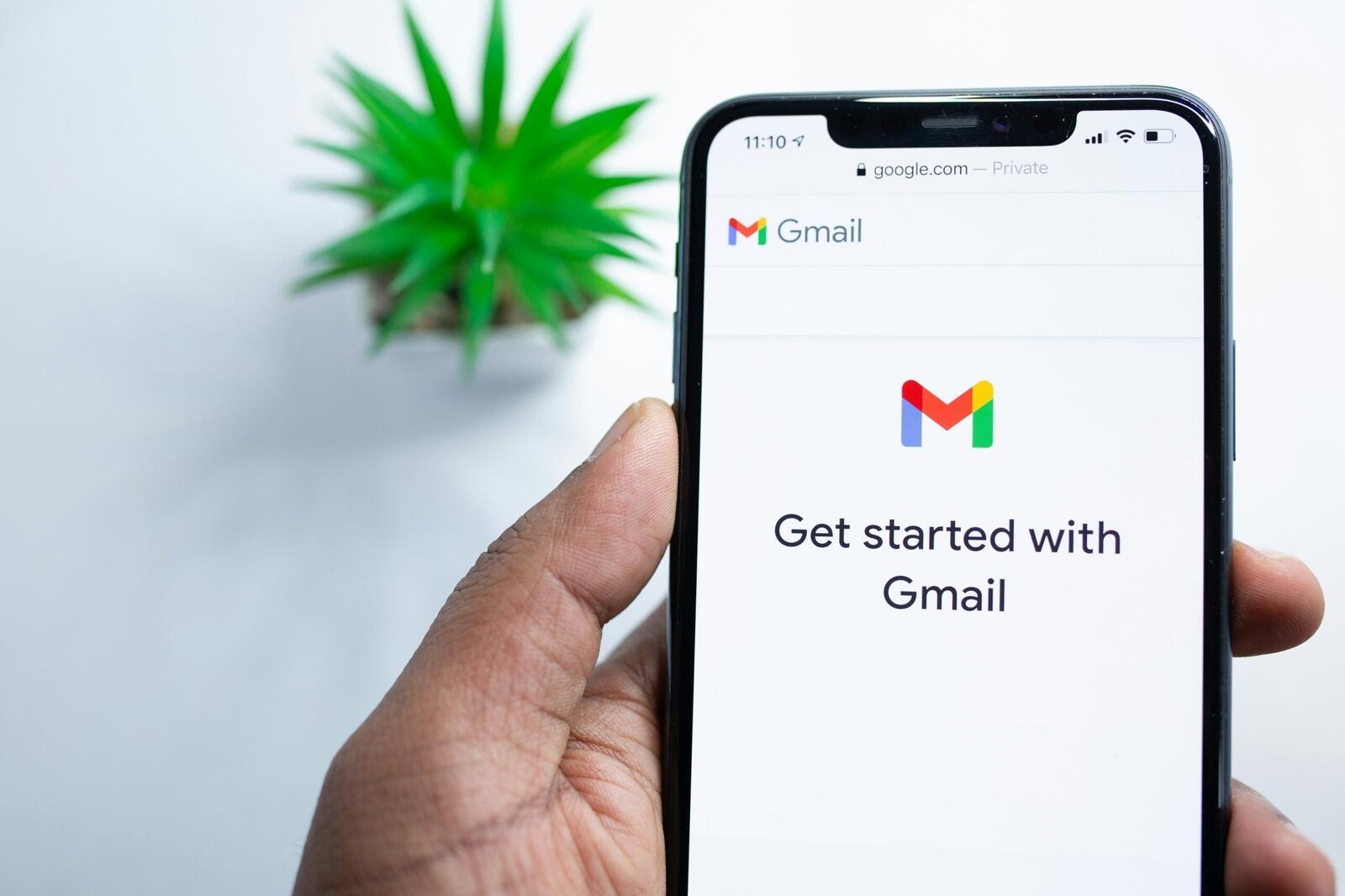
Email traffic has grown since Gmail launched in 2004 and Blake Barnes, vice president of product for Gmail spoke in a recent blog post on how inboxes now carry long threads, receipts, reminders and work chats all at once. Reading messages alone no longer solves the problem. People need help handling the flow of information that piles up around them.
Google has leaned on machine learning inside Gmail for years. Smart Replies and spam blocking already run quietly in the background. The next phase puts Gemini, Google’s latest AI system, at the front of the experience and treats the inbox as something closer to a personal assistant than a filing cabinet.
How Does Gmail Answer Questions From Your Inbox?
The biggest change comes through AI Overviews. Barnes explained that users often search their inbox, find the right email, then spend time scrolling through text to work out what it means. AI Overviews remove that chore.
When a message thread grows long, Gmail now reads the conversation and writes a short summary of the key points. This appears when the email opens, cutting straight to what matters in the exchange.
The same idea applies to questions where users can ask their inbox things in everyday language. An example shared by Barnes was asking who sent a quote for a bathroom renovation last year. Gemini looks across past emails, pulls the detail and returns a short answer.
Conversation summaries using AI Overviews are rolling out to everyone at no cost, according to Google. The question asking tool sits behind Google AI Pro and Ultra subscriptions. Barnes wrote that the system relies on Gemini’s reasoning to do the work instantly rather than forcing people to dig through old messages.
More from News
- China Wants To Build A Third Global AI Bloc – What Does That Mean For Everyone?
- What Could Snap’s Partnerships With Big Tech Mean For The AR Industry?
- Why Did A Four-Year Bomb Threat Campaign Involving 500,000 Gmail Accounts Go Unchecked?
- What Do Dario Amodei And The JCHR’s AI Warnings Mean For Startups and SMEs?
- Exabeam Research: Security Leaders Identify AI Agent Access As A Top Insider Risk Priority
- Experts Comment: Is Britain’s Reliance On Foreign Technology Becoming A National Security Risk?
- Full Fibre Adoption Continues To Accelerate Across The UK
- OpenAI, Anthropic And Google Are Discreetly Building Their Own AI Standards Body – What Would That Actually Decide?
What Does Gmail Do For Writing And Priorities?
Writing help is another bigpart of the update. Help Me Write now lets users draft messages from scratch or tidy up rough notes. Barnes said this feature is open to everyone starting today.
Suggested Replies go further than the older Smart Replies. They read the tone and context of the exchange and offer one click responses that sound closer to the user. A family chat about food for a gathering was used as an example, where Gmail drafts a reply that matches the sender’s style and leaves room for edits.
A Proofread tool adds checks for grammar, tone and style before sending. Google said this feature sits inside the AI Pro and Ultra tiers. Next month, Help Me Write will pull context from other Google apps to tailor drafts more closely to the person using it.
Inbox organisation also changes through AI Inbox. Barnes described it as a briefing that lifts urgent items out of the noise. Bills due soon or appointment reminders rise to the top. Gmail decides this using signals such as frequent contacts and relationships inferred from messages. Google said this analysis runs under its usual privacy protections, keeping data under user control. Trusted testers get access first, ahead of a wider release in the coming months.