


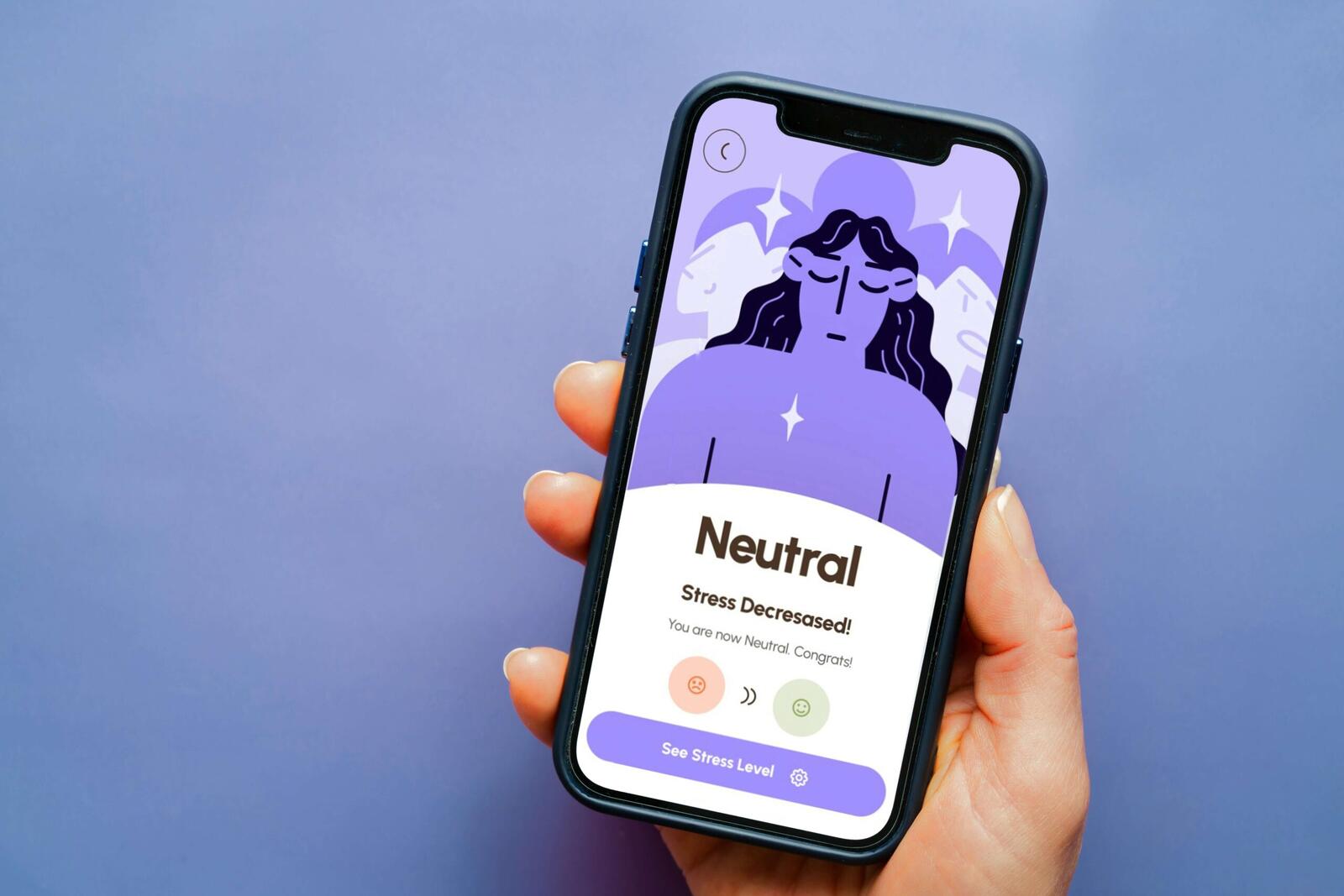
As we wrap up January, 2026, many of us might not be on track with our new years resolution of decreasing our screen-times. Too much time spent in front of screens can lead to an increase in stress, anxiety, poor sleep patterns, decreased focus and less real-life social interaction. Notifications and endless scrolling make it difficult to be present in the moment and enjoy life, which often negatively impacts mental health and wellbeing.
How To Digitally Disconnect
Disconnection does not have to mean anything radical. Begin by turning off non-important notifications, creating zones where you do not bring your phone or planning tech-free time during your day. These small actions will help you develop the habit of digital disconnecting without it feeling like a punishment.
Set a Digital Detox Goal
Establishing a goal to work towards is ideal prior to starting your detox. Determine if you want to decrease total screen time, avoid social media entirely or simply disconnect during certain hours. Goals provide order, assist with tracking progress and make it more likely that you will follow through with your digital detox.
What are the Benefits of a Digital Detox?
When you do a digital detox, you can improve your mental health, have more emotional stability and also improve your physical wellbeing. Lifeline reports that digital detoxing can improve your mood, productivity and sleep, while improving your social life by developing stronger relationships. Detoxing from digital devices can help you feel more in control of your life and help you practice being mindful.
More from Guides
- What Are Computer Chips And How Do They Work In Our Devices?
- What Synthetic Biology Actually Means for Everyday Life
- Working Abroad Requires The Right Visa – Which One Do You Need?
- What Is A Computer Cluster Or Cluster Computing?
- Going Global? Here’s What VoIP Can (And Can’t) Do For You
- How Do Social Media Algorithms Work?
- What Is Microbial Technology, And Why Does It Keep Showing Up In Biotech News?
- What Is The Digital Euro?
How to Get Started on a Digital Detox
There are some simple ways to get started on your Digital Detox, from tracking your time on screens to keeping your days productive with socialisations, outdoor activities and dedicating time to your hobbies:
1. Track the Time
Put a timer to measure how much time you spend on games, social media or web browsing. Once you know how much time you are actually spending on those activities, you will be able to set goals to reduce your engagement.
2. Set Restrictions
Change the settings on the troubleshooting tools to create daily time goals for apps on your phone. The more time restrictions you put, the more aligned you will be with your digital detox.
3. Reserve Time for Offline Activities
Set aside a period during the day where you will engage with activities that are not screen based. You will notice that your focus, sleep and social interactions will be much improved.
4. Fill Your Day With Productivity
Instead of just bringing out your phone and scrolling mindlessly, set aside a time where you can run a digital detox activity. Spend time with family, take a walk or read a book. This gets you in the routine of reducing your digital habits.
5. Delete Your Most Distracting Apps
Consider logging out of social media apps to make them less accessible. You can even take it a step further and uninstall social media and even other apps that you find to be distracting.

The Best 5 Digital Detox Apps
Sounds ironic, right? Download these apps on your phone to keep off your phone. The good news is that these five apps can help you manage your time and motivate you to spend less time on your devices, feel more grounded or be doing something a little more productive than doom-scrolling. These apps are designed to help you create the space to be present in the world around you:
1. Forest

Forest is an app that was created to help people feel focused and grounded. This app helps you focus by growing trees in the app the longer you stay off your phone. According to their website, they ‘partner with a real-tree-planting organisation, Trees for the Future, to plant real trees on Earth. When our users spend virtual coins they earn in Forest on planting real trees’, giving you more incentive to keep off your phone.
2. StayFree

StayFree’s moto is ‘Own your time, everywhere’. This app allows users to set limits on their app usage and it tracks usage and compares it with the world average. It blocks apps that are time-wasters and gives you the power to either cap yourself, schedule blocks or gives you the chance to allocated session limits. It offers great insight into your screen time and gives you the power to make the call on your social media, or other distracting apps usage.
3. YourHour

Available in over 25 languages, YourHour creates schedules on your screen time and sets personal goals and challenges for you. This app gives you a very detailed summary of your app usage so that you can make better-informed decisions on what apps to cut down on. Their website states that they will track your usage over a 7-day period and then allocate you into one of their six categories; vis-a-vis Addicted, Obsessed, Dependent, Habitual, Achiever and Champion. From this they give you challenges and recommendations on how to break their current habits.
4. Zario

Mario aims to get you adjusting your screen-time habits in just 10-days, with challenges and reminders, you can manage your online and offline time. With many features to assist you like quick app blocking, screen or session time limits, mindful sessions with motivational quotes and strict-settings that do not allow you to adjust them once set, this app is one way to help you be more productive and present in the real-world.
5. Headspace

Headspace is one of the best organisations assisting with mental health wellness and their app reduces your distraction and promotes mindfulness with guided meditation, so you can be more present. The Headspace app encourages constructive screen time. Instead of mindless scrolling, users can focus on their mental health by engaging in meditation, stress reduction exercises, sleep improvement activities and mindfulness.