


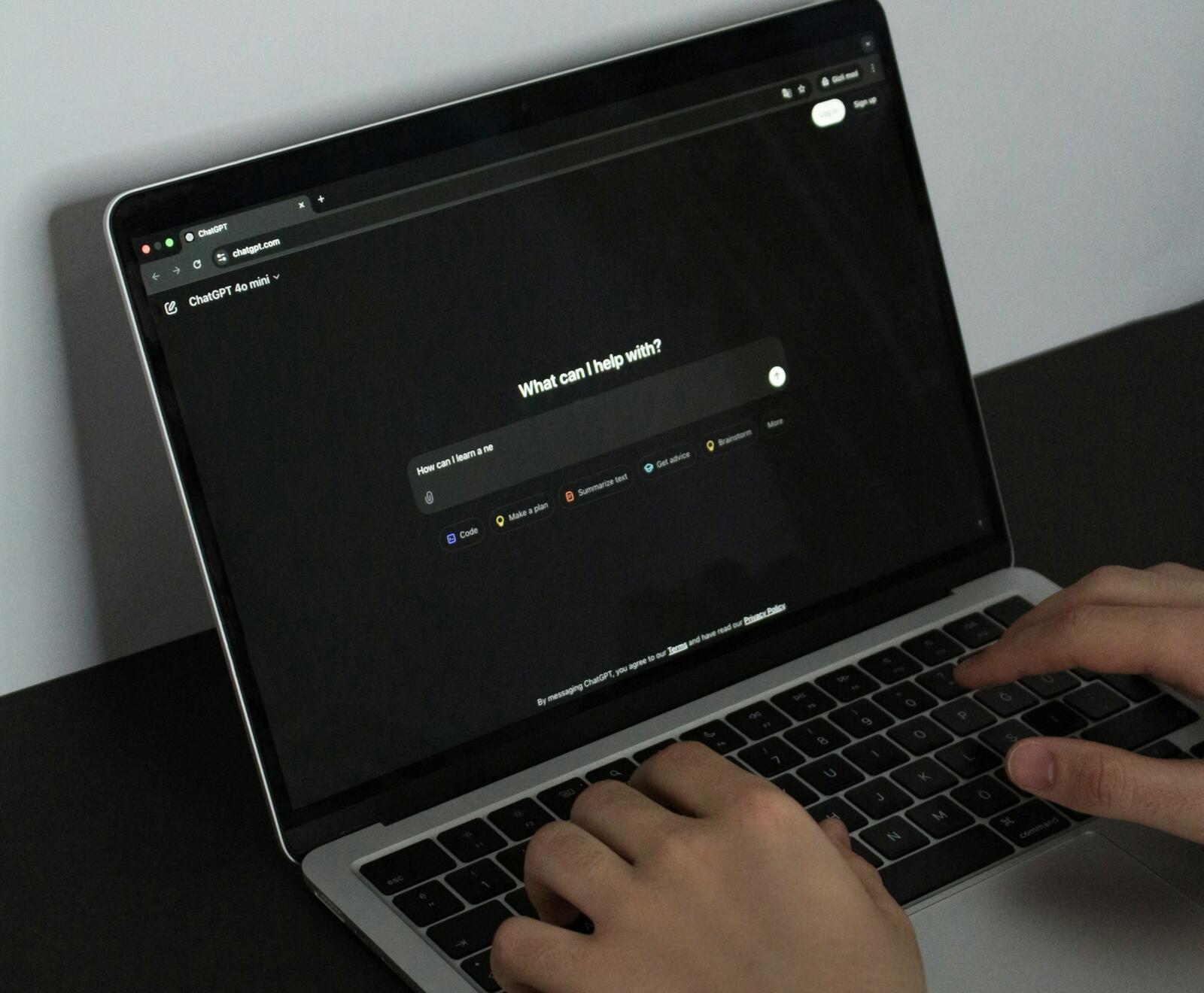
“New in ChatGPT: a better way to schedule tasks. Scheduled tasks are faster, more reliable, and easier to manage from the new Scheduled page.
“The new scheduled tasks experience is rolling out to Go, Plus, Pro, Business, and Enterprise users on web and mobile.”
This is what ChatGPT tweeted on Wednesday. It might be worth looking at what exactly this tool does and how it helps businesses.
What Exactly Is The Tool For?
The update replaces Pulse, OpenAI’s previous proactive feature. Pulse performed research using previous chats, memory and feedback, then delivered summaries the following day.
Businesses now have a single location where they can create tasks, manage them and review upcoming activity without searching through older conversations.
How Is It Different From Pulse?
Pulse worked mainly as a research tool. It performed research once per day and delivered visual summaries based on previous conversations.
The new Scheduled page now has a much wider set of functions and users are now able to create one off reminders, recurring tasks and monitoring tasks from a dedicated section in the ChatGPT sidebar.
Users can also pause, resume, edit or delete tasks from the same screen. OpenAI announced, “Users can schedule tasks for broader windows like morning, afternoon, or evening, and ask ChatGPT to check for changes and notify them when there’s a meaningful update.”
More from Artificial Intelligence
- New Research Suggests More Than 50% Of AI Jobs In The UK Could Go Unfilled By 2028
- How Can AI Help My Small Business Manage Calls More Efficiently?
- Sports Sites Are Seeing More Bots Than Ever During The FIFA World Cup
- AI Has Broken B2B Outreach And The Startups Adapting Are Winning
- AI vs. 100,000 Humans: Who Actually Holds The Creative Edge In 2026?
- Have You Ever Looked Yourself Up On ChatGPT?
- What Does Anthropic’s Shutdown Mean For European Businesses?
- Executives Four Times More Confident About AI Risk Than The Teams Managing It
Monitoring tasks introduce a different type of workflow. ChatGPT can check for developments over time and only send a notification when something important happens.
OpenAI explained, “Monitoring tasks let ChatGPT periodically check for a change and notify you only when there is something worth reporting. Previous runs are remembered, and monitored tasks can stop when the end condition is met.”
How Could Businesses Use It?
The feature is useful for teams that need regular updates.
For example, sales departments can track competitor announcements and product launches; marketing teams can request daily news briefings covering specific topics and investment professionals can receive portfolio updates after markets close.
Businesses using connected apps such as Gmail can also create tasks that work with information from those services when access permissions are available.
The dedicated Scheduled page also makes askin easier. Teams can see active tasks, view upcoming run times and make adjustments from a single location.
Are There Any Restrictions On Here?
So, there are a few restrictions such as how tasks cannot run more than once per hour which could make the feature less suitable for businesses that need constant monitoring throughout the day.
OpenAI says unattended tasks can automatically pause after a period of inactivity. Tasks can also pause when the associated chat has been deleted.
Subscription tiers also affect usage: Plus users can have up to five active tasks whereas Business, Enterprise and Pro users can have up to 15 active tasks.
The feature does not support voice chats or GPTs and OpenAI says scheduled tasks do not currently support webhooks.
Those restrictions mean the Scheduled page works best for recurring updates, reminders and monitoring jobs that do not need instant responses. Perhaps this will change as the tool updates, but for now, we’ll be testing the feature over the next few weeks to see more of what it does and doesn’t do.