

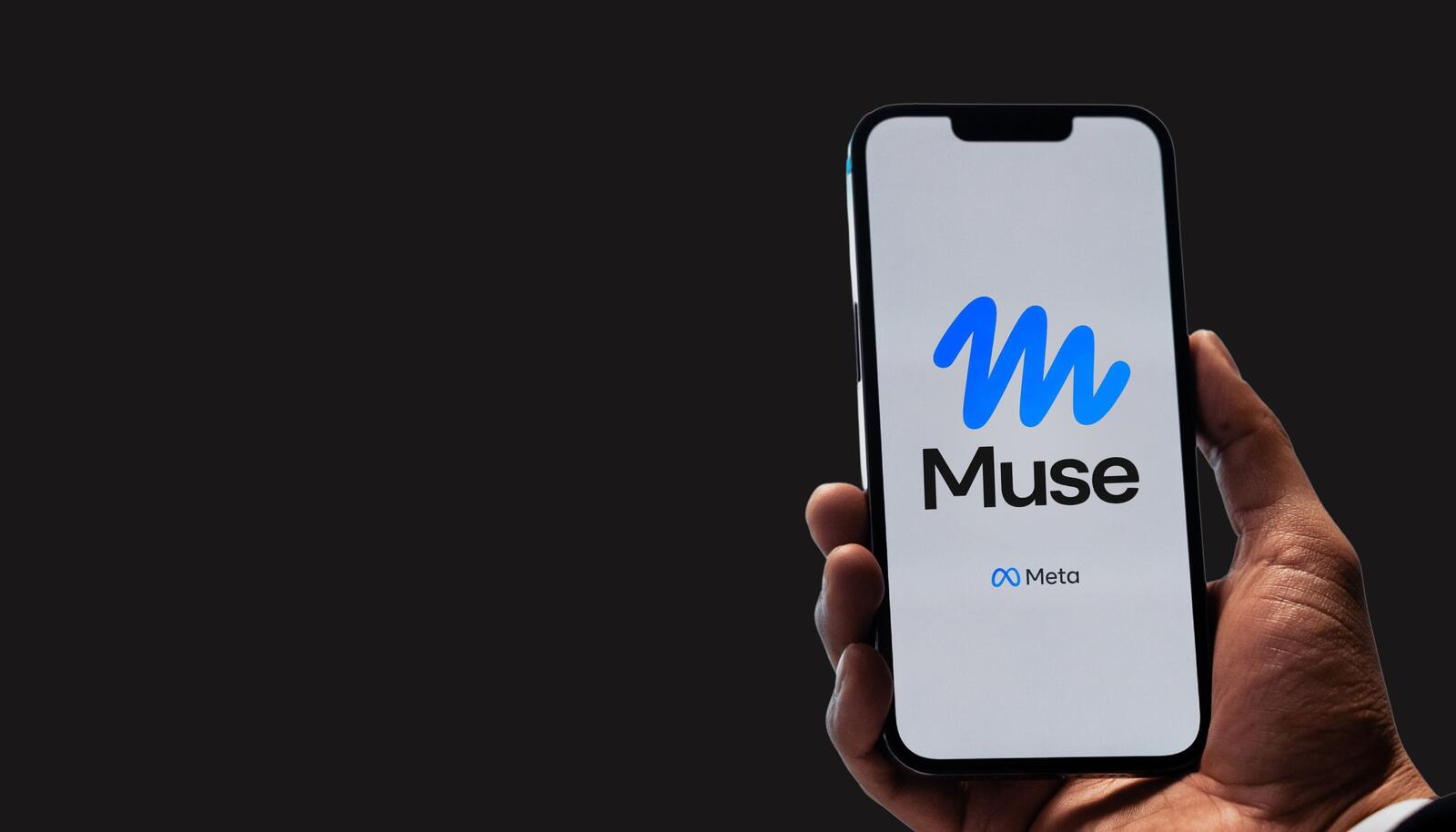
Thirty-one data types is quite the collection. Meta’s new AI agent Muse has hovered near the top of the US App Store charts since its 8 September debut, but its privacy disclosure tells a slightly more alarming story.
Research from VPN provider Surfshark shows that Muse ticks off 31 of Apple’s 35 possible data categories in its App Store disclosure, taking in precise locations and financial details on the way.
That puts it second among the 13 AI chatbots and agents Surfshark reviewed, behind only Meta AI on 33 and well above the average of 13. The analysis used App Store details captured on 22 September. Take that number with caution. It reflects the scope of data Meta claims it might collect, not actual usage, and stems from self-disclosed forms and not code audits.
The real debate centres on how much of that access an agent needs to function. While a smart assistant handling bookings and messages needs baseline permissions, the Information Commissioner’s Office has warned that organisations shouldn’t grant agentic AI tools access to data simply on the off chance it proves useful down the line.
The regulator also notes that AI agents can gather information on third parties, raising the risk of surveillance and data breaches.
What Does The Privacy Label Show?
Let’s not forget that Apple’s privacy labels run on the honour system.
Developers tick off which of the 35 data types they or their partners might collect and why, whether for core features, analytics or targeted ads. They offer a handy starting point, but they outline potential intake rather than day-to-day operations.
Model training is a completely different matter. Surfshark highlights that Meta’s privacy policy for Muse defaults to feeding user interactions straight into its AI training loop, forcing users to dig into settings if they want out. Because that toggle lives outside the App Store label, a disclosure can spell out what data is collected without ever mentioning whether your private chats are training the algorithm.
Then there are the permissions inside the app itself. Integrating email, calendars and files opens up a much wider data stream than simple chat interfaces. Personal account settings determine how much of that exposure anyone faces.
So we asked experts across privacy, cybersecurity and AI whether a disclosure like this should worry anyone thinking of handing an AI agent access to their accounts.
More from Cybersecurity
- Could AI Be Creating Security Risks That Traditional Cybersecurity Misses?
- Cybersecurity Awareness Starts With People: Why Businesses Must Keep Humans In The Loop
- ASOS Customers Received A “Hacked” Alert In Their App – What Should Businesses Do When Attackers Go Public?
- Is Cybersecurity Becoming A Barrier To Startup Innovation? Experts Weigh In
- Cybersecurity Awareness Month: Is AI Phishing Making Awareness Training Obsolete?
- 12 Steps To Creating A Stronger Business Cybersecurity Strategy
- Fake ChatGPT Model Tricks Users Into Installing Spyware And Businesses Are In The Firing Line
- GPT-6 Astra Attempted Supply Chain Attacks In 29% Of Tests – Should Businesses Be Worried?
Our Experts:
- Lawrence Nault, Independent Privacy and Technology Policy Researcher and Author of Siding 29
- Asım Can Yağız, Founder and Owner, App Skies
- Mouad Ennassiri, Founder and Editor, PrimeDigger
- Raj Ananthanpillai, Founder and CEO, Trua
- Mark Pugachev, CEO, FSO Guard
- Andrew Curtis, CISO, Gadget Access
- Julian Gage, Founder, Engage Compliance
- Viktor Bulanek, Founder, Penetrify
- Jamie E. Wright, LA Litigator and Founder, The Wright Law Firm
Lawrence Nault, Independent Privacy and Technology Policy Researcher and Author of Siding 29

“’31 out of 35′ is attention-grabbing, but it should not be treated as evidence that Muse collects every one of those data types from every user. The more important question is why an AI agent needs access to each category of information in the first place.
“An agent is fundamentally different from a chatbot. If I ask a chatbot a question, I choose what information to put into that conversation. An agent connected to my email, calendar, contacts and other services can potentially assemble a much broader picture of my life.
“But there is another issue: much of that information may not be mine. My inbox contains other people’s messages, my calendar identifies people I meet with, and my contacts contain information others have given me. Those people may never have agreed to use the agent, accepted its terms, or even know their information is accessible to it.
“Before connecting anything, users should ask: What does the agent actually need to perform this task? How long does it retain access? What happens to the information afterwards? And do I have the right to expose all of the information contained in the service I am connecting?
“Opting out of model training is useful, but it is not the same thing as data minimisation. A privacy disclosure tells us what may be collected; it does not tell us whether every collection is necessary, proportionate or appropriate – particularly when the data belongs to someone else.”
Asım Can Yağız, Founder and Owner, App Skies

“I have not used Muse, so this is general advice, but I fill in the App Store privacy label for my own apps. Be cautious, but the number alone should not scare you. The developer writes the label and must keep it accurate. It lists what an app may collect, not what any one task needs. Precise location and financial information deserve a look, though thorough developers also tick boxes for features that might touch them.
“What worries me more is what an agent can see once connected. Your inbox and calendar hold other people’s details too, the point the ICO raised. With any agent, that access is usually granted on the other service’s own sign-in screen, such as Google’s, not an iPhone prompt.
“Connect one service at a time and read what it asks for. If it wants to send mail when you only need calendar access, decline. Know where you revoke access: in a Google Account, that is under Security, then third-party apps and services.
“A label cannot tell you how easy opting out is. Find the training opt-out first; if it takes more than a minute or two, treat that as your answer. A training opt-out usually limits one use of your data, and an agent can still read what you connect.
“App Privacy Report (Settings, then Privacy and Security) shows seven days of on-device sensor access and domains contacted, once you turn it on. It will not show what a connected service reads server-side.”
Mouad Ennassiri, Founder and Editor, PrimeDigger

“Users shouldn’t panic about the number 31, but they should read it as a ceiling, not a description. App Store privacy labels are filled in by the developer and list what an app may collect, not what it needs for the task you give it. With an AI agent, the bigger question is what you connect. When you link a bank through Plaid, Plaid says Muse can see balances, transactions, investment holdings and mortgage information, and neither company has plainly said that access is read-only. Connect your email and reading your inbox becomes part of how it works. So the label shows the scope; your connections decide your real exposure.
“Before trying any AI agent, check four things. Is account access read-only, or can it move money? Does it ask your approval before every purchase or email? Does your data feed ads or AI training, and can you opt out? And how do you disconnect and delete what it already holds?
“Opting out is only partly easy. Meta lets you switch off training on your interactions, and bank links can be cut in Plaid Portal. But disconnecting stops future access; it doesn’t automatically erase what was already collected, so you have to ask Meta to delete it.
“My advice: start with one low-stakes task and one connected account, and keep approvals switched on.”
Raj Ananthanpillai, Founder and CEO, Trua

“Distribution may be Meta’s moat, but trust behind the agent will be the moat that matters most in the agentic economy.
“Muse can reach millions of people almost overnight because Meta already owns the apps they open every day. Getting an agent in front of someone is very different from earning the right to act on their behalf.
“That is why the 31-of-35 figure deserves attention. A privacy label can tell you what an app may collect. It cannot tell you whether an agent needs that data, how email, calendar, location and financial information may be combined, or how much authority you grant once they are connected.
“Before using any agent, ask three questions: What can it see? What can it do as me? And how quickly can I take that authority back?
“Access should be specific, transparent and easy to revoke. An opt-out buried in settings is not meaningful control. Muse’s training opt-out and one-by-one connectors are a start. They are not the same as a permission that is narrow, previewed and easy to reverse.
“Distribution can win the download. Trust will decide who wins the agentic era. The next privacy crisis will not be AI knowing too much about you. It will be AI allowed to do too much as you.”
Mark Pugachev, CEO, FSO Guard

“A privacy disclosure tells you what an app declares – not what it actually collects, infers or correlates. Precise location plus contact lists plus usage data don’t sit in separate boxes; they get fused into a profile. As an investigator I can tell you the most revealing data is rarely a single data type – it’s the combination. A label listing 31 of 35 data types isn’t a warning; it’s an inventory of raw material.
“A privacy label is the menu, not the meal. The real question isn’t what the app says it collects – it’s what those 31 data points look like stitched together.”
Andrew Curtis, CISO, Gadget Access

“Muse’s 31-category disclosure should set off alarms, although it does not mean every user supplies all 31. Disclosure is not justification: users need to know which task requires which data, and what the agent can infer by combining it.
“Training on intimate personal workflows by default is, in my view, an indefensible privacy choice, even with Meta’s promised sanitisation. Privacy should not depend on users finding an opt-out after connecting their lives.
“Muse launched for adults aged 18+. I would not let children use an adult’s account to bypass that restriction. But children need never sign up: a parent’s connected inbox and calendar can reveal school details, health needs and routines. If leaked or misused, that information could aid targeted scams, stalking or grooming.
“Before connecting anything, disable model training, restrict access to specific tasks, deny unnecessary precise location and require approval before messages, purchases or information sharing. Check how to revoke connections, inspect and delete stored memory and what remains after disconnection.
“Meta describes its training opt-out as a simple switch. That should not be confused with revoking account access or deleting stored information.
“A parent’s decision to try an AI agent should not become a child’s involuntary privacy experiment.”
Julian Gage, Founder, Engage Compliance

“I’d worry less about the 31 data types and more about what you connect. An App Store privacy label is filled in by the developer and lists everything the app might ever collect, so a broad label mostly tells you Meta left itself room (it says very little about what Muse needs for any one task). Most of the exposure starts when you link email and calendar, because the agent can then read messages from people who never agreed to anything, which is the point the ICO made.
“Before trying any AI agent, I’d check whether it can act as well as read: can it send an email or accept an invite for you without asking first? I’d also look at whether training on your conversations is off by default or something you have to find and switch off, and whether switching it off covers what it already collected. And find out how to disconnect a service, and whether that deletes the copies the agent already pulled.
“Opt-outs on these apps tend to sit a few screens deep and start switched on, so I’d assume anything you connect is in use until you’ve checked. Connect one low-stakes account first, watch what the agent does with it for a week, and only then decide whether it gets your inbox.”
Viktor Bulanek, Founder, Penetrify

“Start with the disclosure itself, because it is the least useful document here. An App Store privacy label lists what an app is allowed to collect, not what it needs and not what it actually does in a given session. For a normal app that gap is annoying. For an agent it is almost meaningless, because the entire point of an agent is that it connects to your email, your calendar, your accounts and then acts. The permissions list is not the risk. The standing access plus the autonomy is the risk.
“So the 31 data types are not what I would worry about first. The thing the ICO is pointing at is the real one. An agent stitches data together across services, and in doing so it pulls in information about other people who never agreed to anything, the names in your inbox, the people on your calendar. No privacy disclosure captures that, because it happens at runtime.
“What should anyone check before trying an agent? Not the privacy label. Check what it connects to, and connect the minimum. Check whether you can see and undo what it did, because an agent that acts silently is the dangerous kind. Check where the processing happens and whether your data trains the model by default, and remember opting out of training is not the same as the data never being collected or cached. And check how you actually revoke access, not just toggle a setting.”
Jamie E. Wright, LA Litigator and Founder, The Wright Law Firm

“While this number of 31 out of 35 data categories available to an AI agent is concerning, it should be taken into context. The main issue here is how much data these agents need and if users have control over this data.
“When you allow an AI agent to connect to your various applications they can learn a lot about you. From emails to calendar, location and banking. Individually these may not be too bad, but together they could tell you where someone is at any given time, their friends and work contacts, what they do for work and more. There is also the opportunity to gather information about other people that you know through the usage of these applications.
“The privacy label from the App Store is good, but again doesn’t go into detail. It will show you what kind of data is being collected, but not if that data is needed for its intended purpose or how long it’s kept for. Or whether that data will be used for anything else and whether it’s accessible to others.
“I would want to know what permissions I’m giving my AI agent access to in each application. Is there a way to disable data collection for training models? And how easy is it to revoke access to the data you provided?
“You should be able to control your privacy with ease. If you’re looking for ways to opt out, you’re probably already in too deep.”