


Most of us use Microsoft products almost every day, in one way or another. Plenty of businesses and individuals use it to send emails through Outlook, join meetings on Teams or save documents to OneDrive. But while these applications might feel like separate tools, they’re actually part of a much bigger, interconnected ecosystem, and while that normally offers significant convenience, it can also be the source of major problems.
That’s Microsoft 365, Microsoft’s subscription-based productivity platform that’s designed with the intention of bringing communication, collaboration, document management and other workplace tools together. And understanding just how it works is becoming increasingly important for businesses, particularly as more of our working lives move online.
What Is Microsoft 365?
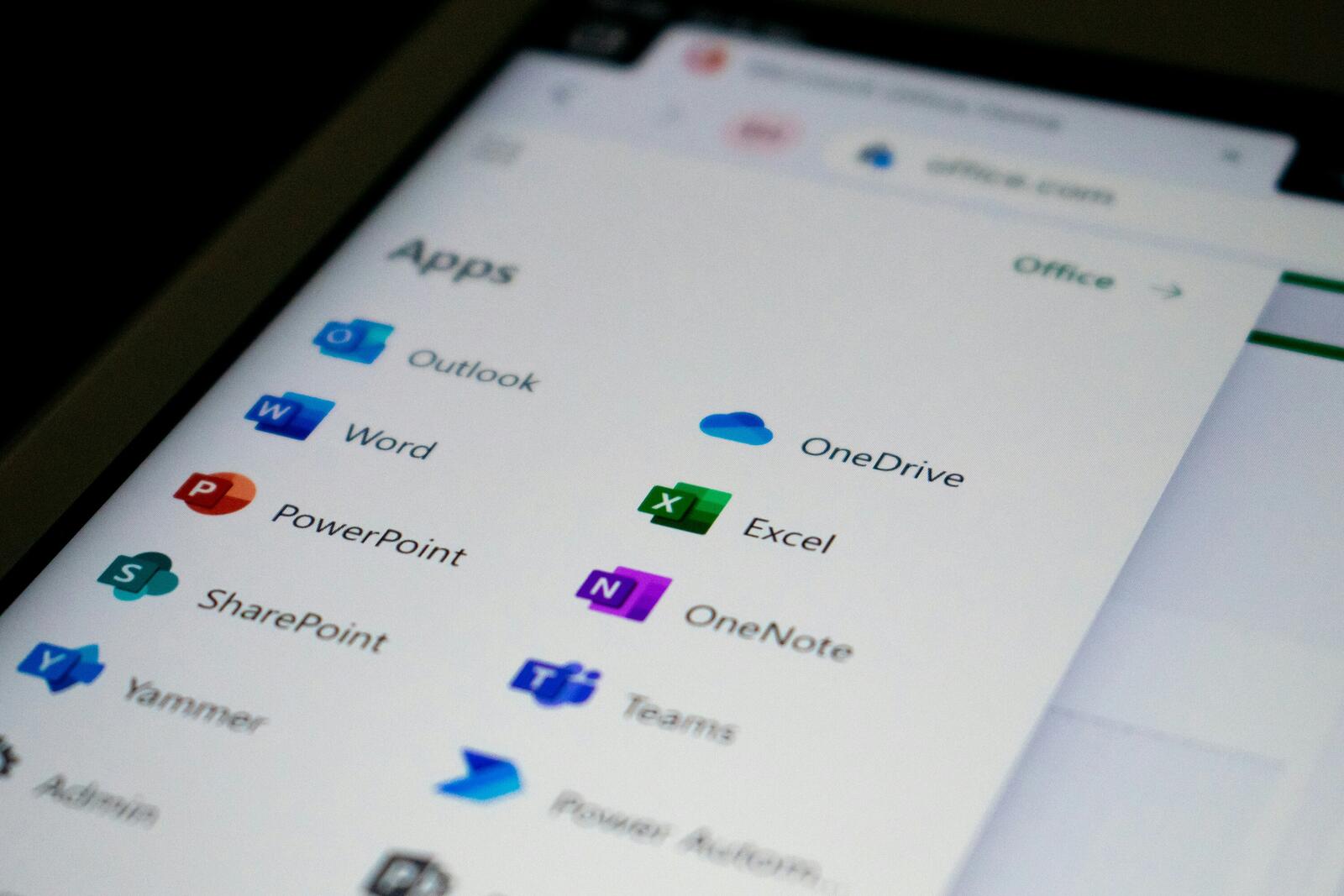
Microsoft 365 is a collection of cloud-based applications and services that businesses and individuals can use to manage everyday tasks and collaborate, too. It includes applications that we’re all familiar with, like Word, Excel and PowerPoint, alongside communication and storage tools like Outlook, Teams and OneDrive. Depending on the subscription, it can also include additional services such as SharePoint, Microsoft Planner and Copilot.
You might remember the name Office 365, which Microsoft rebranded as Microsoft 365 in 2020. The change was supposed to reflect a broader offering that went beyond traditional desktop software to include cloud storage, collaboration, security and AI-powered features. The idea behind the rebrand was that rather than buying individual applications, users can access a collection of tools through a subscription, with different packages offering different features.
More from Guides
- What Is API Integration And Why Do Businesses Need It?
- How To Choose a UK Software Development Partner in 2026
- The Small Business Guide To Using VoIP
- MVP Vs. Prototype Vs. Beta: What Should A Startup Build First?
- The Social Media Ad Auction: What Businesses Should Know Before Spending Money On Ads
- What Are SOC 2 And ISO 27001? A Simple Guide For Startup Founders
- Common Travel Data Mistakes a Prepaid eSIM Plan Helps You Avoid
- Moving to Dubai As a UK Tech Founder: What Happens To Your Salary, Dividends And Business Sale?
How Do Outlook, Teams And OneDrive Work Together?
Although each application has its own specific purpose, the real value of Microsoft 365 comes from how the different tools connect to one another.
Outlook is primarily Microsoft’s email and calendar application; it’s where users manage their inboxes, arrange meetings, organise contacts and keep track of appointments. In business environments, Outlook commonly uses Microsoft’s Exchange Online service to manage email and calendars.
Microsoft Teams is the platform for workplace communication and collaboration. Employees can use it to send messages, create group conversations, make calls, host video meetings and work together on projects. Teams also connects with Outlook, allowing users to organise meetings and access calendar information without constantly switching between applications.
And then you’ve got OneDrive; Microsoft’s cloud storage service. It allows users to save files online, access them across different devices and share documents with colleagues. So, rather than emailing attachments back and forth, employees can just share links to files and collaborate on the same document, making it significantly easier.
The three tools become particularly useful when combined, and that’s the exact intention behind Microsoft 265. For example, an employee might receive a project brief through Outlook, save it to OneDrive and share it with colleagues through a Teams channel. Those colleagues can then open the document, make edits and leave comments without creating multiple versions or sending endless email attachments.
Microsoft also uses SharePoint to support team and organisational file storage. Files that are shared through Teams channels are generally stored in SharePoint, while files shared in individual chats are typically stored in the sender’s OneDrive.
Why Does Microsoft 365 Matter For Businesses?
The biggest advantage of Microsoft 365 is the integration side of things. Instead of juggling several unrelated applications, businesses can use a connected set of tools that share information and support different parts of the working day. The objective is that it can make collaboration easier, reduce repetitive administrative tasks and help employees access documents and conversations from different locations and devices.
But, that interconnectedness that is such a significant advantage also creates dependencies. When services rely on shared infrastructure, problems affecting one part of the ecosystem can sometimes have knock-on effects elsewhere. Recent Microsoft service disruptions are a reminder that businesses should consider backup arrangements and avoid assuming that any cloud platform will always be available.
Ultimately, Microsoft 365 is about more than Word documents and email. It’s an interconnected workplace environment designed to bring communication, information and collaboration together. And for businesses increasingly dependent on digital tools, understanding how those pieces fit together is just as important as knowing how to use them.