


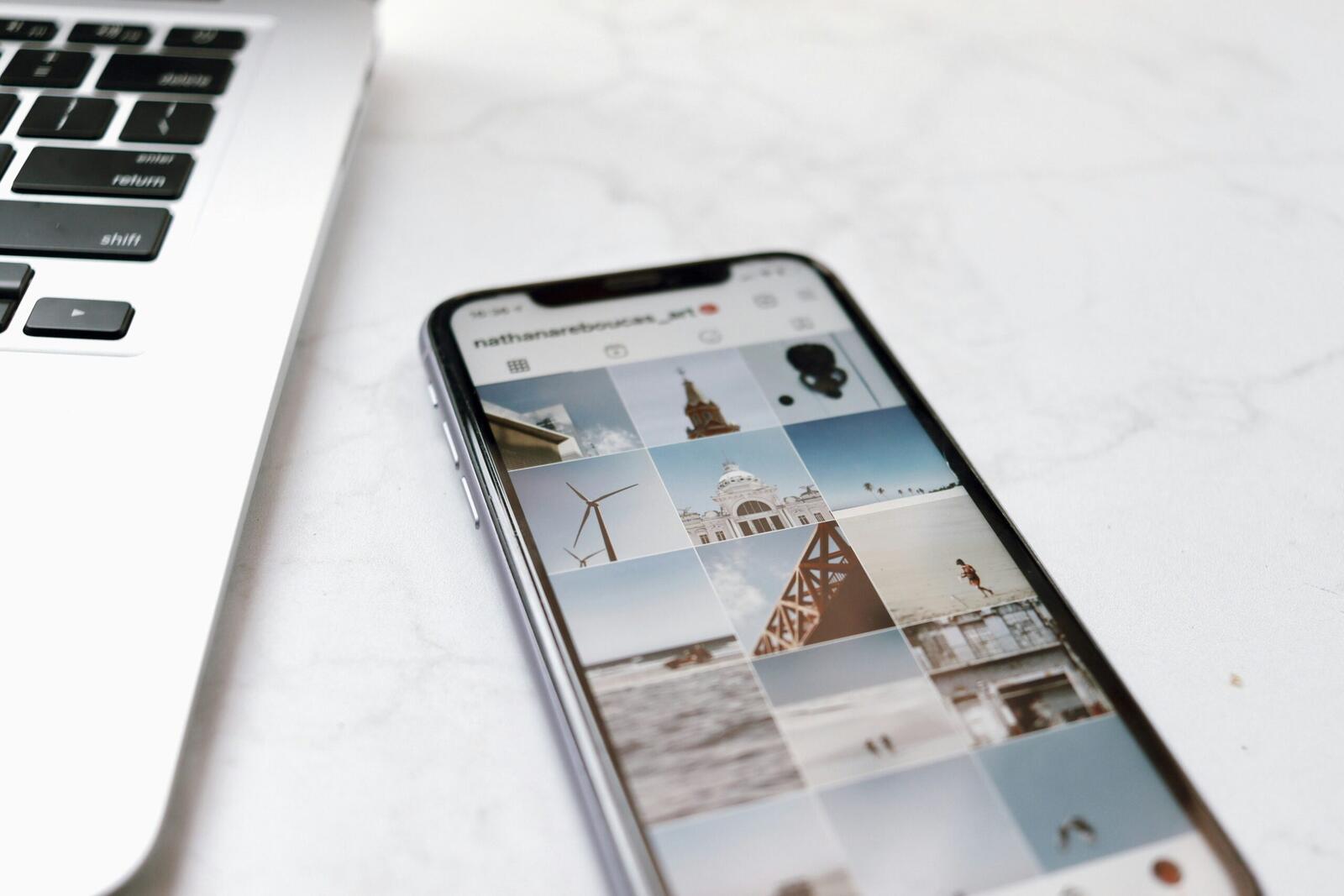
Instagram introduced Instants last week, a new feature for sharing disappearing photos with friends. In its announcement, Instagram said, “We want to make it easier to share in the moment with friends – so we’re introducing Instants, a new way to share casual, everyday photos that disappear after your friends view them.”
Users can find the feature in their Instagram inboxes through a small stack of photos in the bottom right corner of the screen. Users tap it to open the camera and can then send a photo to Close Friends or mutual followers. Instagram said, “No edits, no pressure, just life as it happens.”
Many users only realised how the feature worked after accidentally sending pictures. TechCrunch reported that the app quickly walks people through introduction screens before opening the camera itself. Underneath the camera is a toggle between “Friends” and “Close Friends”, although the default setting is “Friends”.
TechCrunch reported, “What Meta doesn’t immediately make users aware of is the fact that the moment you tap the shutter button, the photo that’s captured is automatically sent to everyone on your Friends list, unless you manually switch the setting to “Close Friends” beforehand.”
That automatic send process caught many people off guard because Instagram users normally expect a chance to preview or edit photos before sharing them. TechCrunch wrote, “Since the process of sending an image isn’t clearly explained, many users have ended up accidentally sending a photo to others they didn’t intend to.”
The publication also said, “Additionally, some people didn’t even realize that a photo had been sent out.” Instagram confirmed that users can add captions to Instants but “can’t further edit instants.”
Why Could Private Photos End Up Exposed To The Wrong People?
The confusion comes from the fact that somebody opening Instants for the first time could easily believe they are testing the camera or preparing a photo instead of sending it immediately.
TechCrunch wrote, “On an app like Instagram, where users are accustomed to reviewing and carefully curating their content before sharing it, the feature’s instant-send design has understandably frustrated many people, considering their privacy is at stake.”
Instagram explained that Instants disappear after friends view them and vanish after 24 hours. The company said, “Instants you share will show up as a stack of photos in the bottom right corner of your friends’ inboxes, and disappear after viewed, and can’t be seen after 24 hours.”
Even though the photos disappear for viewers, Instagram keeps copies privately inside the sender’s archive. The company said, “Your shared instants are saved in a private archive, which you can access for just you to see on the top right corner of instants.”
More from News
- What Can Startups Learn From HSBC’s AI-Driven Job Cuts?
- Moterra AI Achieves Select Partner Tier In Anthropic’s Claude Partner Network
- GoDaddy Launches Web App Hosting With API For AI Coding Tools
- 7 In 10 Consumers Have Never Investigated What’s Inside Their Smartphone
- Tango Turns Live Communities Into a Force For Breast Cancer Research
- Two Thirds of Brits Are Telling AI Chatbots Their Secrets But Don’t Trust The Companies Behind Them
- Video Game Companies Are Abandoning “Buy Our Console To Play This” – Here’s Why
- UK Gambling Operators Face New Deposit Limit Rules From 30 September
Instagram also confirmed that archived Instants can later be reposted publicly through Story recaps. The company said, “Compile instants from your archive into a recap and post to stories, for all of your followers.”
The company also promoted protections designed to stop copying. Instagram said, “No screenshots – instants can’t be screenshot or screen recorded.” Even so, people may wrongly assume disappearing content can never be saved another way.
Instagram also announced a separate Instants app in selected countries. The company said, “The app gives you immediate access to the camera — just log in with your existing Instagram account.”
How Can Users Turn Instants Off?
People who do not want Instants can disable the feature through Instagram settings. TechCrunch explained, “To turn off the new Instants feature, go to your profile, click the three-line menu at the top right to open your settings.”
The publication added, “Scroll down to “Content Preferences” and toggle the “Hide Instants in Inbox.”” Once activated, the feature disappears completely from the inbox.
TechCrunch also wrote, “Once you select this option, you will no longer see the Instants feature in your inbox. You also won’t see any Instants that people have sent you.”
Instagram built in a temporary mute option as well, and the company explains, “Hold down the stack of instants by your inbox and swipe right to temporarily stop seeing them.”
Anybody who accidentally shares a photo needs to act fast. Instagram said, “An undo button will automatically appear the moment you share an instant in case you want to quickly take it back before it gets shared with friends.”
TechCrunch also explained another method for removing photos after sending them. The publication wrote, “Additionally, you can go to your archive by selecting the four-box icon located at the top right of the camera and delete an Instant, which will unsend it to friends who haven’t opened it yet.”