


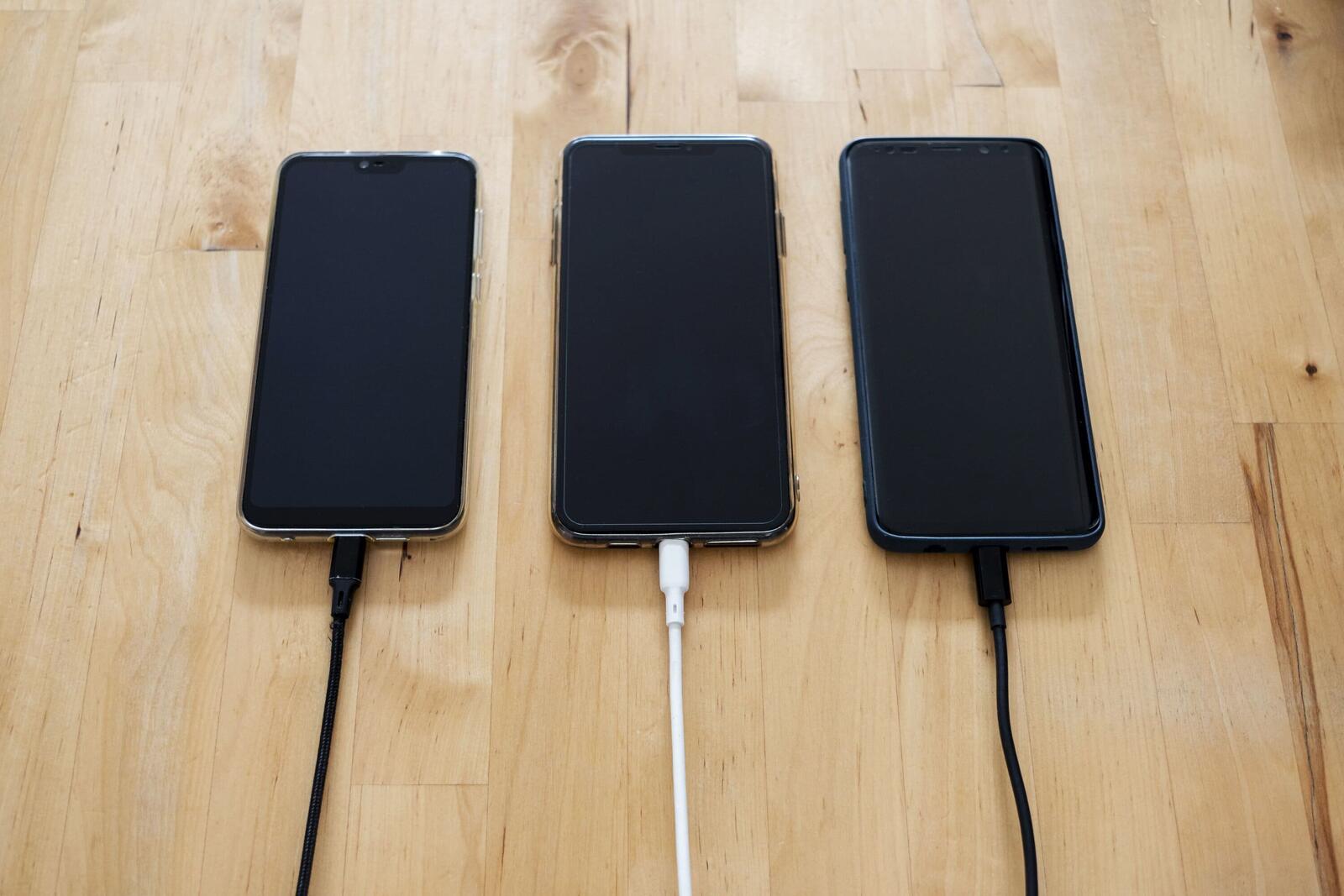
There is something pretty insulting about a phone that used to last from the morning alarm to the last scroll in bed and now gives up around lunchtime, usually while you are nowhere near a charger. My iPhone’s battery health has deteriorated to the point where the settings no longer show a maximum capacity percentage and instead display “Service”. It’s a bit rich from a device I have to charge four times before dinner.
It doesn’t necessarily mean the phone itself is on its way out. A rechargeable battery is a chemical component that changes with use and age. So what actually happens inside it that leaves it holding less charge each year?
Your Battery Is Quietly Changing Its Own Chemistry
Lithium-ion batteries work by moving lithium ions between two electrodes. During charging, the ions move towards the anode, usually made from graphite. When you use your phone, they move back towards the cathode, releasing energy.
This process is not perfectly reversible. Chemical reactions inside the battery gradually reduce its capacity. As explained in Battery University’s guide to lithium-ion battery ageing, one cause is a thin layer called the solid electrolyte interphase (SEI), which forms on the anode. Although this layer helps protect the battery, continued growth consumes lithium that would otherwise be available to store and release energy. Other chemical changes inside the electrodes contribute to the decline, too.
The result is less usable capacity, meaning the battery can’t store as much energy as it once could. Battery health is an estimate of how much original capacity remains. If your phone reports 85% maximum capacity, it estimates that the battery holds around 85% of what it could when new.
More from Guides
- Am I Owed a Tax Rebate? A PAYE Checklist For UK Employees
- Your Startup Just Got Acquired, What Happens To Your Team’s Visas?
- Inside The Technology Tracking Products From Factory To Customer
- Is The Anti-Unicorn (Zebra) Movement Starting to Grow?
- What Is AI Debt?
- The Warning Signs To Look For Before Buying From An Online Store
- What Is Customer Acquisition Cost?
- What Are Knowledge Graphs And Why Are AI Companies Using Them?
Heat, Charge Cycles And Time All Play A Part
Heat is another factor in battery ageing. Battery University also explains that higher temperatures can speed up the chemical reactions that wear down a lithium-ion cell. A phone running a demanding game while charging – or sitting in direct sunlight – can get hot enough to put additional stress on its battery.
Charge cycles contribute to wear as well. One complete cycle represents using an amount of battery power equivalent to 100% of its capacity, even across several partial charges. Using 50% one day and another 50% the next adds up to one cycle.
Apple says iPhone 14 models and earlier are designed to retain 80% of their original capacity after 500 complete cycles, while iPhone 15 models and later are designed to do so after 1 000 cycles; under ideal conditions. Actual results depend on how the phone is used and charged.
Batteries also age over time, even without heavy use. Storage tests on lithium-ion cells show that they can lose capacity faster when kept fully charged at higher temperatures than when stored partially charged in cooler conditions. The exact results vary by battery chemistry, but the general lesson is: heat and prolonged periods at a high charge level can speed up ageing.
Why Your Phone Suddenly Starts Dying Faster
The obvious effect is reduced capacity; if your battery holds less energy than it did when new, your phone will generally run for fewer hours between charges.
Ageing can also increase internal resistance, making it harder for the battery to deliver power when the phone suddenly needs more of it. Apple explains that this can cause the battery’s voltage to drop under demanding conditions, potentially triggering an unexpected shutdown even when some charge remains. Cold temperatures can temporarily make this problem worse.
However, a worn battery is not the only explanation for poor battery life. Background activity, high screen brightness, weak mobile signals and software updates can all increase power consumption. Apple’s battery usage settings can help identify which apps and activities are draining your charge.
Can You Slow Battery Degradation?
You can’t prevent battery ageing altogether, but you can most definitely reduce unnecessary wear.
Keep your phone out of direct sunlight and avoid leaving it in a hot car; if it becomes unusually hot while charging, give it a chance to cool down. Optimised charging and charge-limit features can also help reduce the time the battery spends fully charged.
You can also ignore the old advice about draining your battery to zero before recharging. Lithium-ion batteries do not need regular full discharges, and topping them up in smaller amounts is fine.
A Worn-Out Battery Doesn’t Mean A Dud Phone
When “Service” appears in your iPhone’s battery settings (you’re not alone), it’s a sign that the battery needs attention. Years of charging and chemical changes can catch up with it, without necessarily saying much about how well the phone was built.
Once the battery struggles to get through the day, replacing it may be a much cheaper fix than replacing the entire phone – especially with these new ridiculous prices.