


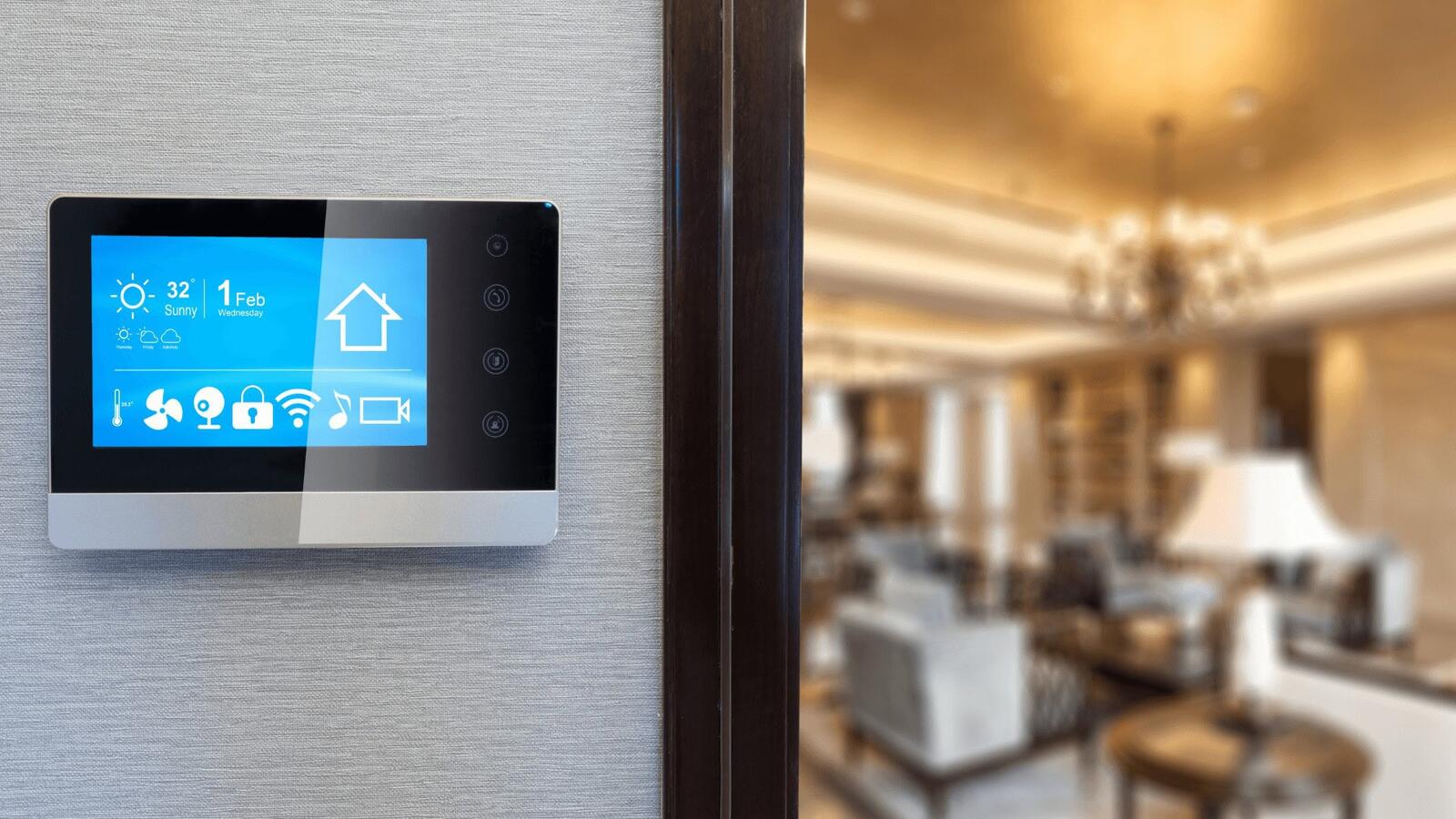
There’s a bit of a running joke online that the “S” in IoT stands for security. It may elicit a chuckle or two, until you come to the realisation that your smart lock and cheap Wi-Fi plug behind the telly are on the same network as your computer and online banking.
If you’ve spent any time reading the news, chances are you’ll come across stories about webcams and smart TVs being hijacked or smart fridges roped into spam campaigns and even a fish tank thermometer helping hackers into a casino’s high-roller database. Yes, that did unfortunately happen.
So the next obvious question to ask for your household is: can antivirus software prevent things like this from happening? Can you just slap a Norton or Bitdefender subscription on it and call it a day? Also unfortunately, that’s not quite the case.
Your Smart Toaster May Be A Stranger’s Playground
The trouble with the Internet of Things is that a lot of it wasn’t really built with security in mind. Manufacturers were on a time crunch to get products onto shelves, prices were kept low and cybersecurity was thought of as someone else’s problem.
Often times, these devices are shipped out with default passwords like “admin” or the good old “1234” and open ports that might as well just have a welcome sign on them.
Traditionally, antivirus software lives on your computer or phone. Its job is to see what files are being downloaded, websites that are visited and the contents of a recently plugged in USB stick. And it works because your laptop lets it work. It can be installed, scan and quarantine when necessary.
Now your smart appliance, on the other hand, has no clue about any of that. There’s nowhere to install anything and there’s no operating system to run a security programme in the background. That also makes it easier for hackers to poke around with it.
Antivirus Was Built For A Time Before Smart Appliances
The idea of antivirus software goes way back to the early days in the 2000s when your biggest threat was a floppy disk with a virus on it. Although the times have changed, along with the cybersecurity risks and evolution of antivirus software, the model itself hasn’t fundamentally changed.
The entire objective of antivirus is to protect the endpoint, and that’s the device that it’s installed on. If it can’t sit on the device, it can’t directly protect it.
Does it make antivirus completely useless in a growing IoT world? Not at all. We’ve just been sold a slightly misguided story about what it actually does.
Popular antivirus providers have all cottoned on by now and added “smart home” versions of their products. The software isn’t on your appliance, it’s still on your phone or router, and it attempts to spot dodgy behaviour on the network instead. It’s helpful, yes, but it shouldn’t be confused with protecting the device itself.
More from Tech
- Women In Tech Week: AI Has Become A Career Skill – So Why Are Fewer Women Using It?
- Same Car, Different Driver: The Tech Behind F1’s Custom Set-Ups
- From Web3 Hype To Commercial Advantage: How The Next Phase Of Emerging Technology Will Be Won
- Who Controls The Thermal Skies? The Security And Privacy Questions Behind SatVu’s New Satellite
- The Drone Technology Helping Farmers Cover More Ground In Less Time
- F1’s Pitlane Has Its Own Race, And Technology Is Driving It
- Top Deep-Tech Startups In Finland To Watch In 2027
- Are VoIP Calls Secure? Let’s Talk About Who Could Be Listening
What Can Antivirus Do In This Instance?
Network-level security tools primarily scan every device that joins your Wi-Fi network, including smart appliances, to alert you if any are displaying signs of known weaknesses. If your smart doorbell is trying to connect with a server in a country you’ve never been to, you’ll be notified.
The more advanced tools are able to block IP addresses that appear suspicious and spot the signs of a device being roped into a botnet. Some can even warn you if your camera’s firmware is outdated.
While it’s not quite the same as your laptop being scanned continuously in real time, it’s a pretty decent protection net cast over your house.
But one thing that’s often overlooked is your router. It’s the starting point for all devices and if yours is old or still using the original password, there is no antivirus software on Earth that is going to save you.
On the other hand, a decent router with regular security updates, WPA3 encryption and a guest network for your IoT clutter will do more for your smart home than any antivirus subscription can. Especially the guest network bit. Keeping IoT devices on a separate network means that should any of them be compromised, your personal laptop with sensitive information shouldn’t be affected.
Manufacturers Are The Real Villains Here
While it’s easy to blame the consumer for buying cheaply off Amazon and never updating the firmware, the bigger issue is with the makers. It’s no secret that some IoT companies stop supporting their products the moment the next model is shipped out. That means there’s no updates or fixes for problems that have been around for some time.
Fortunately, the UK’s Product Security and Telecommunications Infrastructure Act (PSTI, if you fancy the acronym) came into effect in April 2024, forcing manufacturers selling smart devices in the UK to meet minimum security standards. That includes not using default passwords and a public point of contact for reporting vulnerabilities.
It certainly is a start and could probably do more than any consumer-grade antivirus. Whether it’s properly enforced though with measurable outcomes, that’s a different matter entirely.
So, Do You Still Need Antivirus?
Antivirus is 100% something that you should have your phone, computer or tablet. And since those actually connect to your IoT devices and control them, it’s definitely worth having.
It’s important to remember that when hackers get into a smart home, it’s generally through the app on your phone or a browser on your laptop, not the device itself. It’s far easier to get in through a compromised login than trying to crack the firmware on a smart fridge.
In short, keep the antivirus and make sure to change every default password on every smart device that you have from the moment you take it out the box.